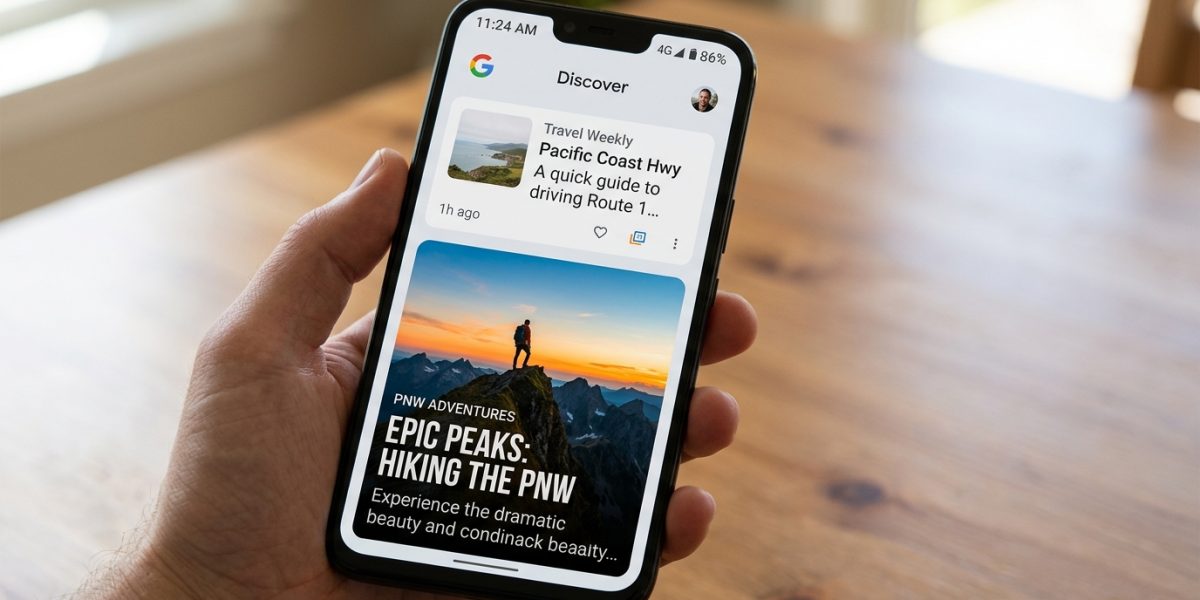
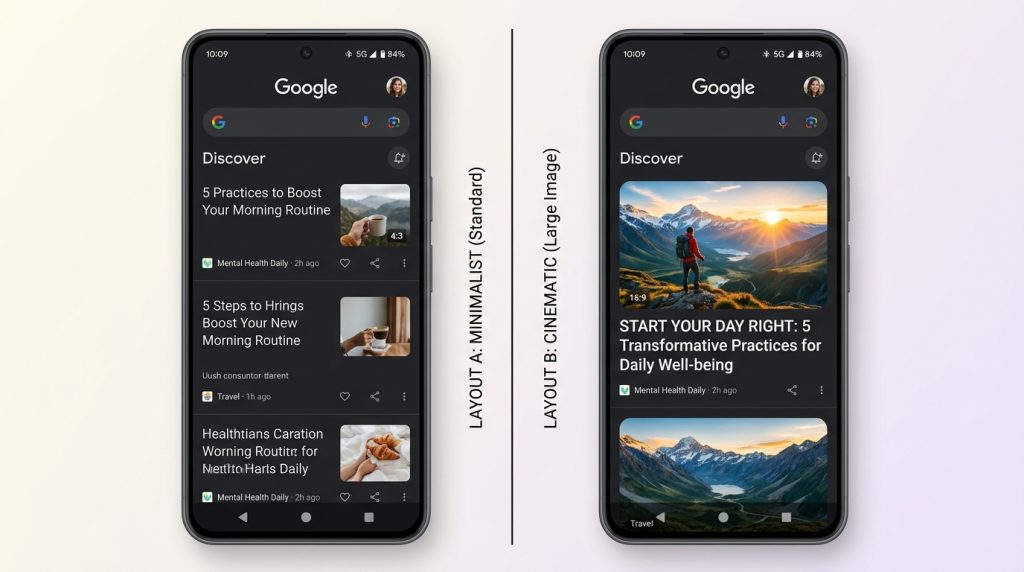
Google Discover has two card sizes: small thumbnail and large featured image. The large card — which takes up most of the screen width and drives significantly more clicks — only activates when your article’s featured image meets specific technical requirements. Most publishers never enable it. Those who do see immediate traffic changes.
The Exact Technical Requirements
| Requirement | Specification | Where to Set It |
| Minimum width | 1200 pixels | Source image file |
| Aspect ratio | 16:9 recommended | Image crop settings |
| Meta tag | max-image-preview:large | Robots meta in <head> |
| Open Graph image | og:image with full 1200px+ URL | Yoast, RankMath, or custom |
| File format | JPEG or WebP preferred | Image export settings |
| No text overlay | Google flags text-heavy images | Image design |
The max-image-preview:large Tag: Most Publishers Miss This
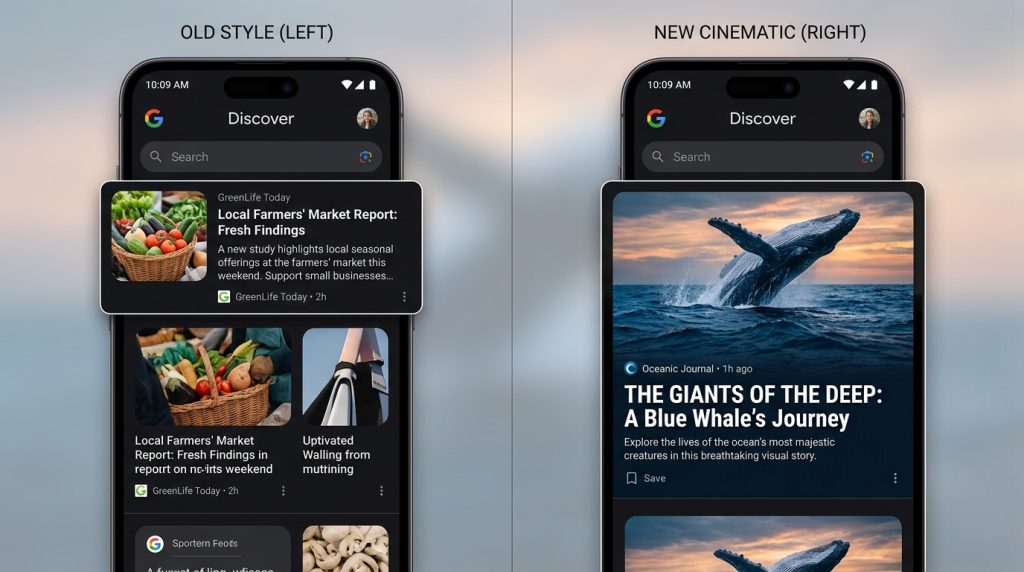
The most common reason publishers don’t get large Discover cards is the absence of the max-image-preview:large robots meta tag. Without it, Google defaults to the small card format regardless of image size. Adding this single line to your <head> section is often the most immediate change you can make for Discover visibility.
In WordPress, this is set in Yoast SEO under Search Appearance → General → or by adding the meta robots tag directly in your theme’s header.php. In RankMath, it is under General Settings → Images.
Why Your Image Quality Matters as Much as Size
Google’s systems analyze visual quality signals beyond pixels. Images that are blurry, heavily compressed, contain logos or text overlays, or are stock photo-style generic images perform worse than cinematic, original, high-contrast images. The algorithm infers quality from visual complexity and distinctiveness.
The single most effective image style for Discover: a photorealistic or cinematic image with a clear subject, dramatic but not manipulative lighting, no text, no watermarks, and a genuine visual narrative connection to the article topic.
❓ Frequently Asked Questions (FAQ)
What happens if my featured image is smaller than 1200px?
Google will either show no image or use a small thumbnail card. The large card format that drives significantly higher click-through rates will not activate. Your article may still appear in Discover, but with reduced visibility.
Does every article need a unique featured image for Discover?
Yes. Reusing the same featured image across multiple articles signals low effort to Google’s systems and reduces the distinctiveness that triggers broad distribution. Each article should have a unique, relevant hero image.
Can I use AI-generated images for Google Discover?
Yes. AI-generated images are not prohibited by Google’s Discover policies as long as they are relevant, not deceptive, and meet the technical specifications. Many top-performing Discover articles use AI-generated featured images.
How do I verify my og:image tag is set correctly?
Use Facebook’s Sharing Debugger or LinkedIn’s Post Inspector tool to preview how your page appears when shared. Both tools display the og:image being used and flag any issues with size or format.
Does image file size (KB) affect Discover performance?
Indirectly. Very large file sizes slow page load speed, which affects Core Web Vitals — a Discover ranking factor. Compress images to under 200KB using WebP format while maintaining 1200px+ width for the best balance.